🚀 Free AI Resume Builder for Students: Create a Job-Winning Resume in Minutes 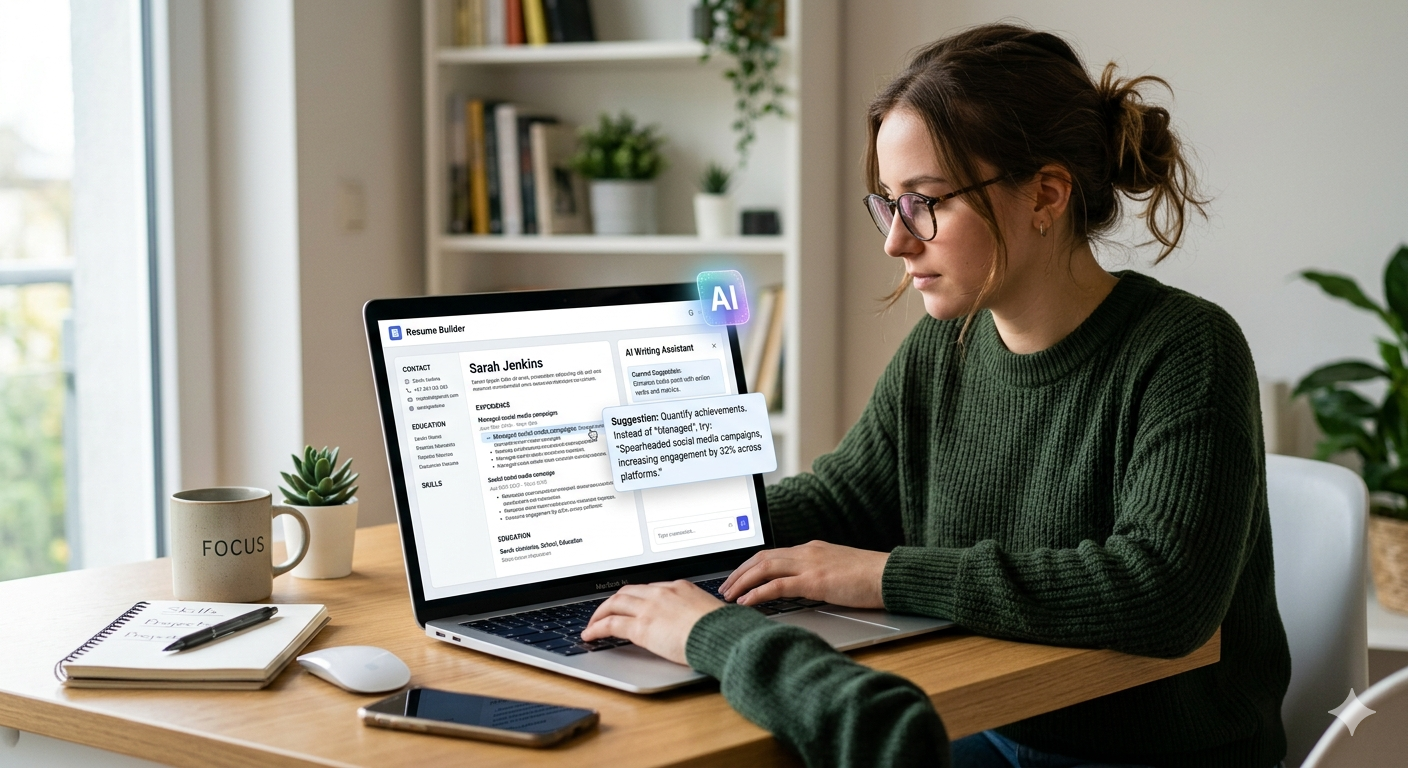
Creating a strong resume is one of the most important steps for students who want internships, part-time jobs, or full-time opportunities. But many students struggle with writing, formatting, and highlighting their skills.
This is where a free AI resume builder for students becomes extremely helpful. These tools can generate professional resumes in minutes, even if you have no prior experience.
In this guide, you will learn how to create a powerful resume using AI tools step by step.
📌 Why Students Should Use AI Resume Builders
Traditional resume creation takes time and often leads to mistakes. Many students don’t know what to include or how to structure their resume.
Using a free AI resume builder for students helps you:
- Save time
- Create professional layouts
- Improve content quality
- Avoid common mistakes
👉 AI makes resume building simple and fast.
🧠 Best Free AI Resume Builder Tools
1. Zety
What it does:
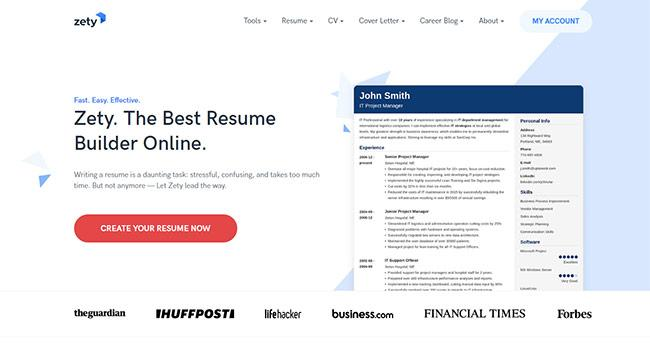
Zety helps you create modern resumes with guided steps.
Why use it:
- Easy templates
- AI suggestions
- Beginner friendly
Features and Functionality
Zety provides a browser-based editor that combines visual design with content guidance. Users can choose from pre-designed templates, edit text directly within the layout, and receive real-time tips on phrasing, formatting, and structure. The service also includes keyword optimization and export options in PDF or Word formats.
Additional Tools
Beyond its resume builder, Zety offers a cover letter generator, CV templates tailored to international standards, and career resources such as job-search guides and sample examples. These tools are intended to streamline the application process and help users adapt materials to different industries and roles.
https://zety.com
2. Resume.io
What it does:
Creates clean and professional resumes quickly.
Why use it:
- Simple UI
- Ready-to-use templates
- Fast editing
Features and functionality
Resume.io centers on an in-browser resume editor with predesigned, recruiter-tested templates. Users fill in structured sections (experience, education, skills, etc.), and the software automatically applies formatting. It includes AI-assisted phrase suggestions for summaries and bullet points, automatic spell-checking, and a skills section with suggested skills and optional proficiency levels. Many templates are built to be ATS-compatible, helping resumes pass automated screening systems.
The service also includes a cover-letter builder, some job-search and interview-related tools, and options to export resumes in PDF or, for a subset of templates, DOCX format.
https://resume.io
3. Kickresume
What it does:
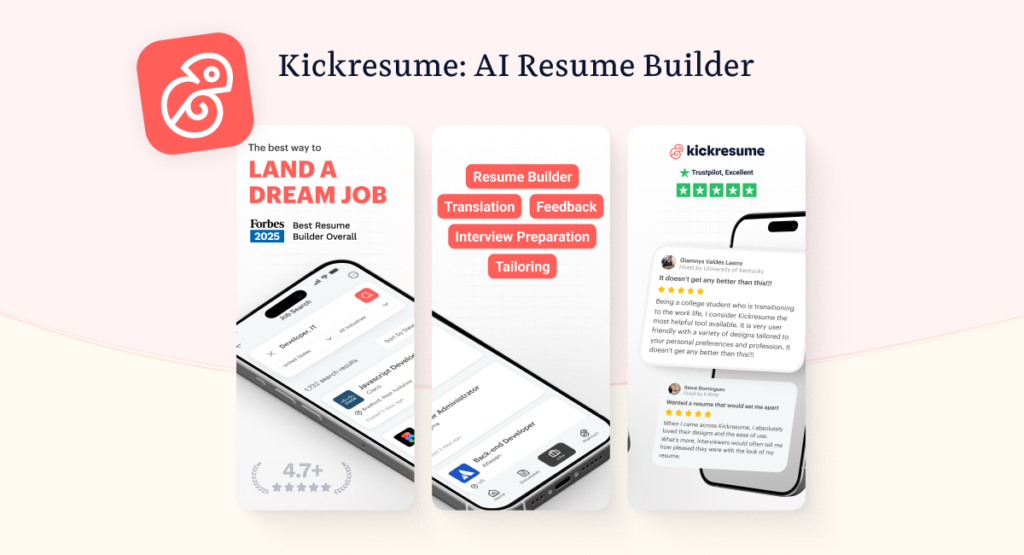
Uses AI to generate resume content and cover letters.
Why use it:
- AI writing support
- ATS-friendly templates
- Creative designs
Use cases and workflow
The tool targets people who want to speed up application prep while still controlling the final content—students, early-career candidates, and professionals changing jobs. Typical usage is: choose a template → let AI draft content from a job title, old resume, or LinkedIn profile → refine wording → generate a matching cover letter → run ATS/resume checks and export (PDF, Word, or shareable link).
4. Rezi
What it does:
Optimizes resumes for ATS (Applicant Tracking Systems).
Why use it:
- Keyword optimization
- AI suggestions
- Job-focused resumes
Technology and workflow
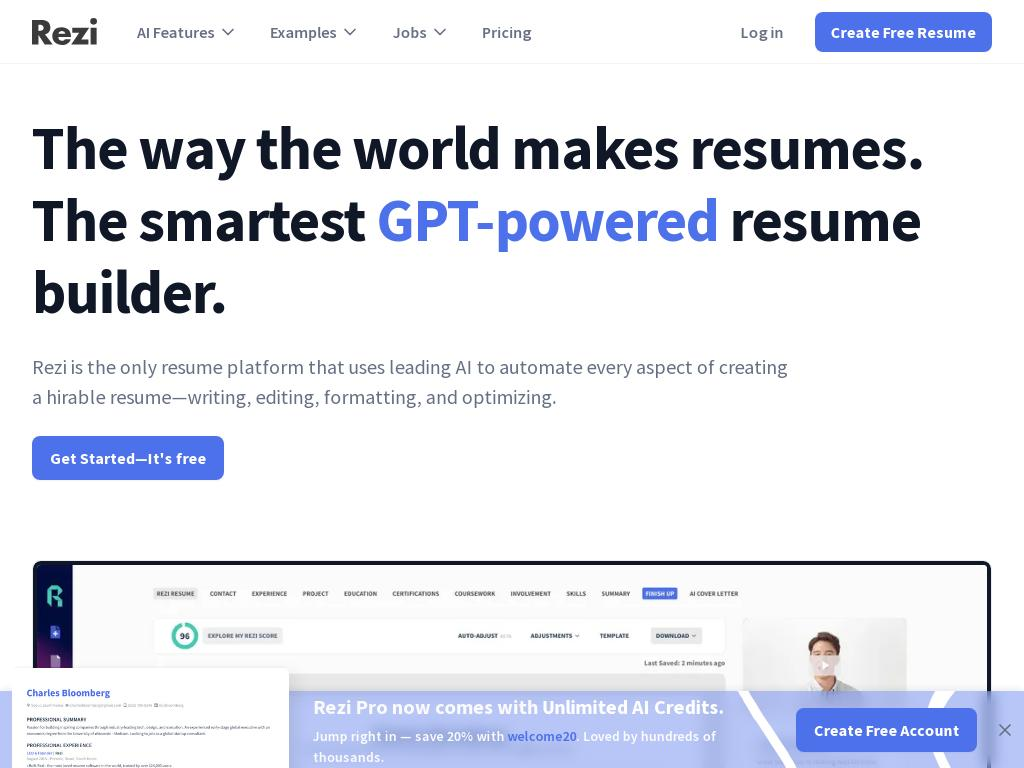
Rezi’s platform employs natural-language processing to analyze job descriptions, detect missing keywords, and tailor content for relevance and clarity. Each resume receives a Rezi Score, grading it on 20 + criteria for readability and compliance with applicant-tracking systems. The interface supports iterative editing, automatic formatting, and multilingual export. For organizations, Rezi Enterprise delivers white-label APIs so universities, staffing agencies, and career-coaching firms can provide branded, scalable resume solutions.
Product and features
Rezi automates writing, editing, and formatting of resumes using AI assistance that follows recruiter-approved standards. Core tools include the AI Resume Builder, ATS Resume Checker, Keyword Scanner, and Cover Letter Generator. Its AI Agent (RzAI) provides real-time guidance on wording, structure, and job-search strategy. Documents are instantly formatted in ATS-safe layouts and exportable as PDF, Word, or Google Drive files. Rezi also offers AI Interview and Resignation Letter generators and job-tracking tools within the same interface.
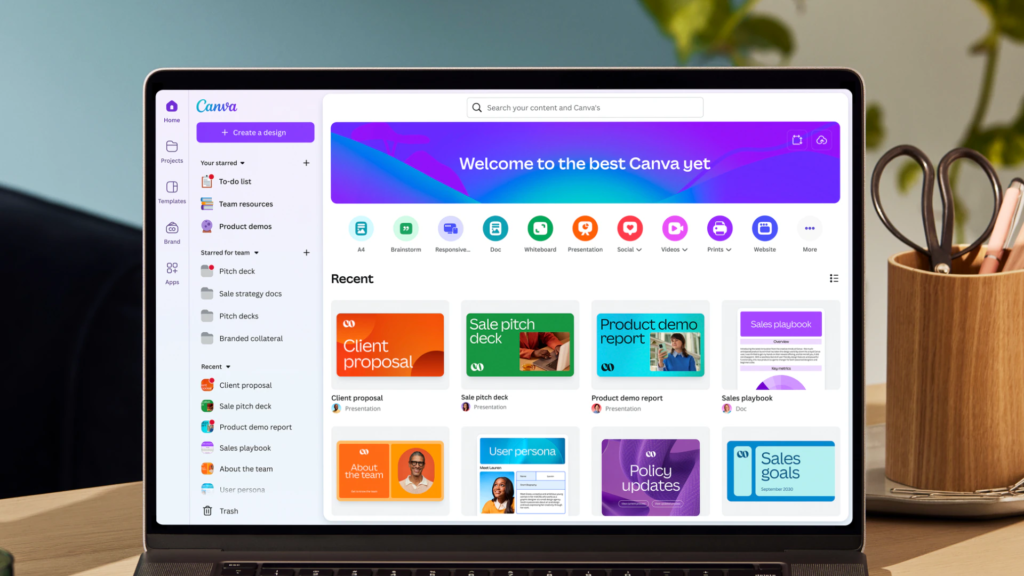
5. Canva
What it does:
Provides visually attractive resume templates.
Why use it:
- Drag-and-drop design
- Free templates
- Easy customization
🛠 Step-by-Step: How to Create Resume Using AI
Follow this simple process:
Step 1: Choose a Tool
Pick any tool like Zety or Canva.
Step 2: Select Template
Choose a clean and professional design.
Step 3: Add Your Details
Include:
- Name
- Education
- Skills
- Projects
Step 4: Use AI Suggestions
Let AI improve your sentences and formatting.
Step 5: Download Resume
Export as PDF.
📊 What to Include in a Student Resume
Even without experience, you can create a strong resume.
👉 Include:
- Education
- Skills
- Projects
- Certifications
- Internships (if any)
👉 Focus on what you have learned.
https://studentaiincomehub.com/ai-tools-for-homework-students
https://studentaiincomehub.com/underrated-ai-tools-for-students-2026
💡 Pro Tips for Better Resume
- Keep it 1 page
- Use simple language
- Highlight achievements
- Avoid spelling mistakes
⚡ Common Mistakes to Avoid
- Adding too much information
- Using complex design
- Ignoring keywords
- Not proofreading
📈 How AI Resume Builders Help You Get More Job Opportunities
Using a free AI resume builder for students not only saves time but also increases your chances of getting selected. Many companies use Applicant Tracking Systems (ATS) to filter resumes. AI tools help you optimize your resume with the right keywords and format so it passes these filters.
For example, tools like Rezi focus on ATS optimization, which ensures your resume is readable by hiring systems. Similarly, platforms like Kickresume provide smart suggestions to improve your content quality.
Another major benefit is confidence. When your resume looks professional and well-structured, you feel more confident while applying for jobs or internships. AI tools remove guesswork and guide you step by step.
👉 This means better resumes → more interview calls → higher chances of getting selected.
🎯 Conclusion
Using a free AI resume builder for students, you can create a professional and job-ready resume in minutes. These tools help you present your skills clearly and improve your chances of getting selected.
Start building your resume today and take the first step toward your career.
❓ FAQ SECTION
1. What is a free AI resume builder for students?
It is a tool that uses AI to help students create resumes quickly and professionally.
2. Is AI resume builder free?
Many tools offer free versions with basic features.
3. Which tool is best?
Kickresume is a great option for beginners.
4. Can I create resume without experience?
Yes, you can include skills, projects, and education.
5. Is AI resume accepted by companies?
Yes, if properly edited and structured.
6. How long does it take?
You can create a resume in 10–15 minutes.

Hi, I’m Balaji, founder of Student AI Income Hub. I write practical guides on AI tools, productivity, online income opportunities, and educational technology to help students study smarter, build digital skills, and make informed decisions about AI-powered learning.