Taking notes is one of the most important habits for academic success. Whether you’re attending lectures, studying for exams, or preparing assignments, having organized notes can make a huge difference.
However, traditional note-taking has its challenges:
- Missing important lecture points
- Spending hours organizing notes
- Difficulty finding information later
- Managing multiple notebooks
- Preparing revision material
Fortunately, AI is changing the way students take notes.
The Best AI Note-Taking Apps for Students can automatically summarize lectures, organize information, generate study guides, and even answer questions about your notes.
In this guide, we’ll explore the Best AI Note-Taking Apps for Students in 2026 and help you find the perfect app for your academic needs.
Table of Contents
Why Students Need AI Note-Taking Apps
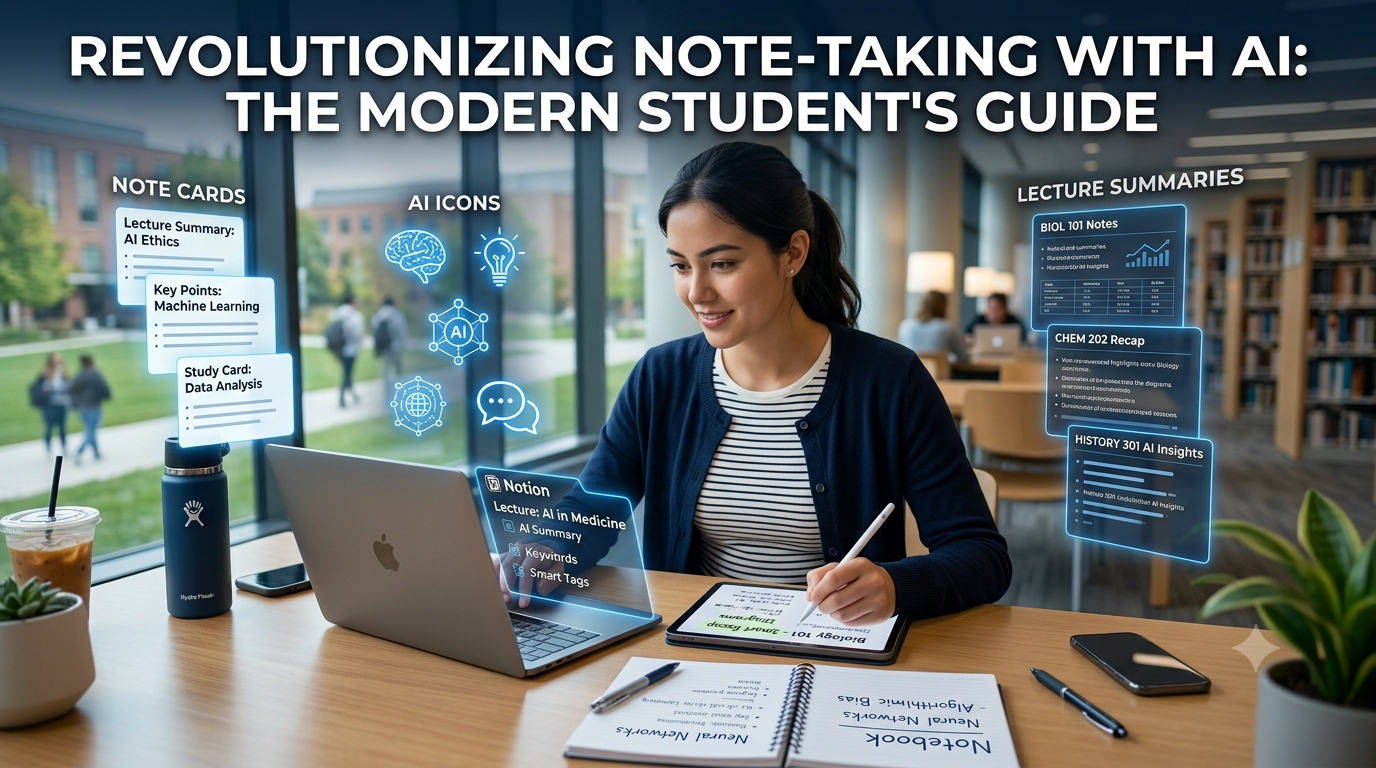
Students today deal with a massive amount of information every semester.
Examples include:
- Lecture notes
- PDFs
- Research papers
- Assignments
- Class schedules
- Project documentation
- Exam preparation materials
AI note-taking apps help students:
- Save time
- Stay organized
- Create summaries
- Improve productivity
- Prepare for exams
- Access notes from anywhere
Imagine attending a one-hour lecture and receiving a summarized version within minutes. That’s exactly what modern AI note-taking tools can do.
This is why the demand for the Best AI Note-Taking Apps for Students continues to grow.
1. Notion AI
Notion has become one of the most popular productivity tools among students.
With Notion AI, students can:
- Summarize notes
- Generate study guides
- Organize assignments
- Create to-do lists
- Plan semesters
- Draft essays
Key Features
- AI writing assistance
- Note organization
- Templates
- Task management
- Collaboration tools
- Cross-platform support
Example Use Case
A student can create:
- Semester dashboard
- Subject-wise notes
- Assignment tracker
- Exam preparation checklist
Pros
- Extremely flexible
- Beautiful interface
- Large template library
Cons
- AI features require a subscription.
Best For
- College students
- Productivity enthusiasts
- Project management
2. Microsoft OneNote + Copilot
Microsoft OneNote remains one of the best note-taking applications available.
When combined with Microsoft’s AI capabilities, it becomes even more powerful.
Key Features
- Handwritten notes
- Audio recording
- AI assistance
- Cloud synchronization
- Notebook organization
- Office integration
How Students Use It
Students can create notebooks for:
- Mathematics
- Physics
- Computer Science
- Biology
- Placement preparation
Copilot can help:
- Summarize notes
- Generate action items
- Organize information
- Answer questions
Pros
- Excellent Microsoft ecosystem integration
- Supports handwriting
- Free to start
Cons
- Some AI features are limited to Microsoft subscriptions.
Best For
- Windows users
- Engineering students
- Microsoft 365 users
3. Evernote AI
Evernote has been a trusted note-taking application for years, and its AI enhancements make it more useful than ever.
Key Features
- AI Search
- Document scanning
- Web clipping
- Task management
- Calendar integration
- Multi-device support
Why Students Love Evernote
Evernote makes it easy to:
- Save lecture notes
- Scan handwritten pages
- Organize research material
- Create revision notes
Example Workflow
- Attend lecture.
- Scan handwritten notes.
- Upload PDFs.
- Ask AI to summarize content.
- Generate revision points.
Pros
- Mature platform
- Excellent organization
- Powerful search capabilities
Cons
- Free plan limitations.
Best For
- Research students
- MBA students
- Multi-device users
https://studentaiincomehub.com/how-to-use-notebooklm-for-studying/
https://studentaiincomehub.com/best-free-ai-tools-for-college-students/
4. Otter.ai
Otter.ai is one of the best AI-powered transcription tools available today.
Imagine attending a one-hour lecture and receiving a complete transcript automatically. That’s exactly what Otter.ai does.
Key Features
- Real-time transcription
- Meeting summaries
- Speaker identification
- AI-generated notes
- Search functionality
- Mobile and desktop support
How Students Can Use It
Otter.ai is ideal for:
- Recording lectures
- Capturing guest seminars
- Group discussions
- Interview preparation
- Project meetings
Example
A student attending a Data Science lecture can record the session and receive:
- Full transcript
- Key points
- Summary
- Searchable notes
Pros
- Highly accurate transcription
- Easy to use
- Excellent mobile app
Cons
- Limited free transcription minutes.
Best For
- Lecture recordings
- Online classes
- Research interviews
5. Mem AI
Mem AI is a modern note-taking application designed around artificial intelligence.
Unlike traditional apps, Mem automatically organizes information without requiring students to create folders and categories manually.
Key Features
- AI organization
- Smart search
- Automatic tagging
- Writing assistance
- Cross-device synchronization
Why Students Love Mem
Students often forget where they saved important notes.
Mem AI solves this by making information easier to find.
Simply search:
“Operating Systems lecture from last month.”
Mem can instantly locate relevant notes.
Pros
- Smart organization
- Clean interface
- Fast search
Cons
- Learning curve for new users.
Best For
- Productivity-focused students
- Research work
- Daily note-taking
6. NotebookLM
NotebookLM has quickly become one of Google’s most impressive AI products.
Instead of acting like a general chatbot, NotebookLM works with your uploaded materials.
Students can upload:
- PDFs
- Lecture notes
- Research papers
- Presentation slides
- Study guides
Key Features
- PDF analysis
- Study guide generation
- Audio Overviews
- AI summaries
- Question answering
- Multi-document support
Why It’s Great for Students
NotebookLM can answer questions like:
“Explain Chapter 5 in simple terms.”
Or:
“Generate 10 quiz questions from my notes.”
Pros
- Excellent document support
- Free for many users
- Personalized learning experience
Cons
- Requires uploaded materials.
Best For
- Exam preparation
- Research work
- Semester revision
7. Goodnotes AI
Goodnotes is particularly popular among iPad users and students who prefer handwritten notes.
With AI features, Goodnotes becomes even more useful.
Key Features
- Handwriting recognition
- AI note summaries
- PDF annotation
- Digital notebooks
- Cloud backup
- Multi-device access
Why Students Use Goodnotes
Students can:
- Write notes using Apple Pencil
- Highlight PDFs
- Organize notebooks
- Create revision material
Example Use Cases
- Engineering diagrams
- Mathematical equations
- Biology illustrations
- Lecture annotations
Pros
- Excellent handwriting support
- Beautiful interface
- Great iPad experience
Cons
- Best experience requires Apple devices.
Best For
- iPad users
- Medical students
- Engineering students
Which Tool Should You Choose?
| Requirement | Recommended Tool |
|---|---|
| Lecture Recording | Otter.ai |
| Smart Organization | Mem AI |
| PDF Study | NotebookLM |
| Handwritten Notes | Goodnotes AI |
https://studentaiincomehub.com/best-ai-presentation-tools-for-students/
https://studentaiincomehub.com/ai-flashcard-tools-for-students/
8. Reflect Notes
Reflect Notes is a minimalist note-taking application with built-in AI capabilities.
It focuses on helping users think, write, and connect ideas more effectively.
Key Features
- AI writing assistant
- Backlinking
- Calendar integration
- End-to-end encryption
- Daily notes
- Cross-device support
Why Students Should Try Reflect
Reflect is ideal for:
- Daily journaling
- Research notes
- Assignment planning
- Thesis preparation
Pros
- Clean interface
- Fast performance
- Strong privacy features
Cons
- Smaller ecosystem compared to Notion.
Best For
- Graduate students
- Researchers
- Writers
9. Obsidian AI Plugins
Obsidian has become extremely popular among students who prefer connected note-taking.
With AI plugins, Obsidian can:
- Summarize notes
- Generate content
- Connect ideas
- Build knowledge graphs
- Organize information
Key Features
- Local storage
- AI plugin support
- Graph view
- Markdown support
- Extensive customization
Example Use Case
An engineering student can connect:
- DBMS notes
- Operating Systems notes
- Computer Networks notes
and visualize relationships between concepts.
Pros
- Highly customizable
- Strong community support
- Works offline
Cons
- Requires initial setup.
Best For
- Computer Science students
- Researchers
- Advanced users
10. Google Keep (AI-Assisted Workflows)
Google Keep is simple, lightweight, and free.
While it doesn’t have extensive built-in AI features, students can combine it with Gemini and other Google services for AI-assisted workflows.
Key Features
- Quick notes
- Checklists
- Voice notes
- Labels
- Cloud synchronization
- Google ecosystem integration
Why Students Love It
Google Keep is perfect for:
- Quick reminders
- Assignment tracking
- Shopping lists
- Short lecture notes
Pros
- Completely free
- Easy to use
- Works on all devices
Cons
- Limited advanced features.
Best For
- Casual note-taking
- Quick reminders
- Everyday productivity
Comparison Table
| Tool | Best For | Free Plan |
|---|---|---|
| Notion AI | Productivity | Limited |
| OneNote + Copilot | Microsoft Users | Yes |
| Evernote AI | Organization | Limited |
| Otter.ai | Lecture Recording | Yes |
| Mem AI | Smart Search | Limited |
| NotebookLM | PDF Learning | Yes |
| Goodnotes AI | Handwritten Notes | Limited |
| Reflect Notes | Researchers | Trial |
| Obsidian AI | Advanced Users | Yes |
| Google Keep | Quick Notes | Yes |
Which App Is Best?

Best Overall
- Notion AI
Best Free Option
- Google Keep
Best for Lectures
- Otter.ai
Best for PDFs
- NotebookLM
Best for Handwritten Notes
- Goodnotes AI
Best for Computer Science Students
- Obsidian
Why AI Note-Taking Matters
The Best AI Note-Taking Apps for Students are changing education.
Students can now:
- Summarize lectures instantly
- Generate revision notes
- Organize study material
- Prepare for exams faster
- Collaborate efficiently
The Best AI Note-Taking Apps for Students save valuable time and improve productivity throughout the academic year.
As AI becomes more integrated into education, these tools will likely become essential for students worldwide.
How AI Note-Taking Apps Are Transforming Education
The Best AI Note-Taking Apps for Students are helping learners become more productive and organized. By using the Best AI Note-Taking Apps for Students, students can spend less time managing notes and more time understanding concepts. In the coming years, the Best AI Note-Taking Apps for Students will likely become essential tools for academic success.
Conclusion
The Best AI Note-Taking Apps for Students can dramatically improve the way students learn and manage information.
Whether you’re looking to:
- Record lectures
- Organize assignments
- Summarize PDFs
- Create study guides
- Prepare for exams
there’s an AI tool designed for your needs.
Start with Notion AI, NotebookLM, or Google Keep if you’re new to AI-powered note-taking, and explore advanced options like Obsidian as your productivity needs grow.
Frequently Asked Questions
1. What is the best AI note-taking app for students?
Notion AI is one of the best all-around choices due to its flexibility and productivity features.
2. Are AI note-taking apps free?
Many tools offer free plans, including Google Keep, NotebookLM, and OneNote.
3. Which app is best for lecture recordings?
Otter.ai is one of the best options for recording and transcribing lectures.
4. Is NotebookLM good for students?
Yes. NotebookLM is excellent for summarizing PDFs and generating study guides.
5. Can AI summarize lecture notes?
Absolutely. Most modern AI note-taking tools can summarize text and generate key points.
6. Which app is best for iPad users?
Goodnotes AI remains one of the top choices for students using iPads.
7. Is Obsidian difficult to learn?
Obsidian has a learning curve but offers powerful features for advanced users.
8. Are AI note-taking apps safe?
Most reputable applications have privacy policies and security measures, but students should avoid storing highly sensitive information.
9. Why should students use AI note-taking apps?
The Best AI Note-Taking Apps for Students help improve organization, productivity, and exam preparation while saving time.
10. Why are AI note-taking apps becoming popular among students?
The Best AI Note-Taking Apps for Students help students summarize lectures, organize study materials, and improve productivity while preparing for exams and assignments.

Hi, I’m Balaji, founder of Student AI Income Hub. I write practical guides on AI tools, productivity, online income opportunities, and educational technology to help students study smarter, build digital skills, and make informed decisions about AI-powered learning.