Table of Contents
How AI Image and Video Generation Tools Are Changing Content Creation
🔥 Introduction
Creating images and videos used to take hours of work and advanced skills. But now, with AI image and video generation tools, anyone can create professional content in minutes.
If you are a blogger, student, or content creator, these tools can save time, improve quality, and help you grow faster online.
In this guide, you’ll discover the best tools, how to use them, and how they can improve your content creation process.
🧠 What Are AI Image and Video Generation Tools? 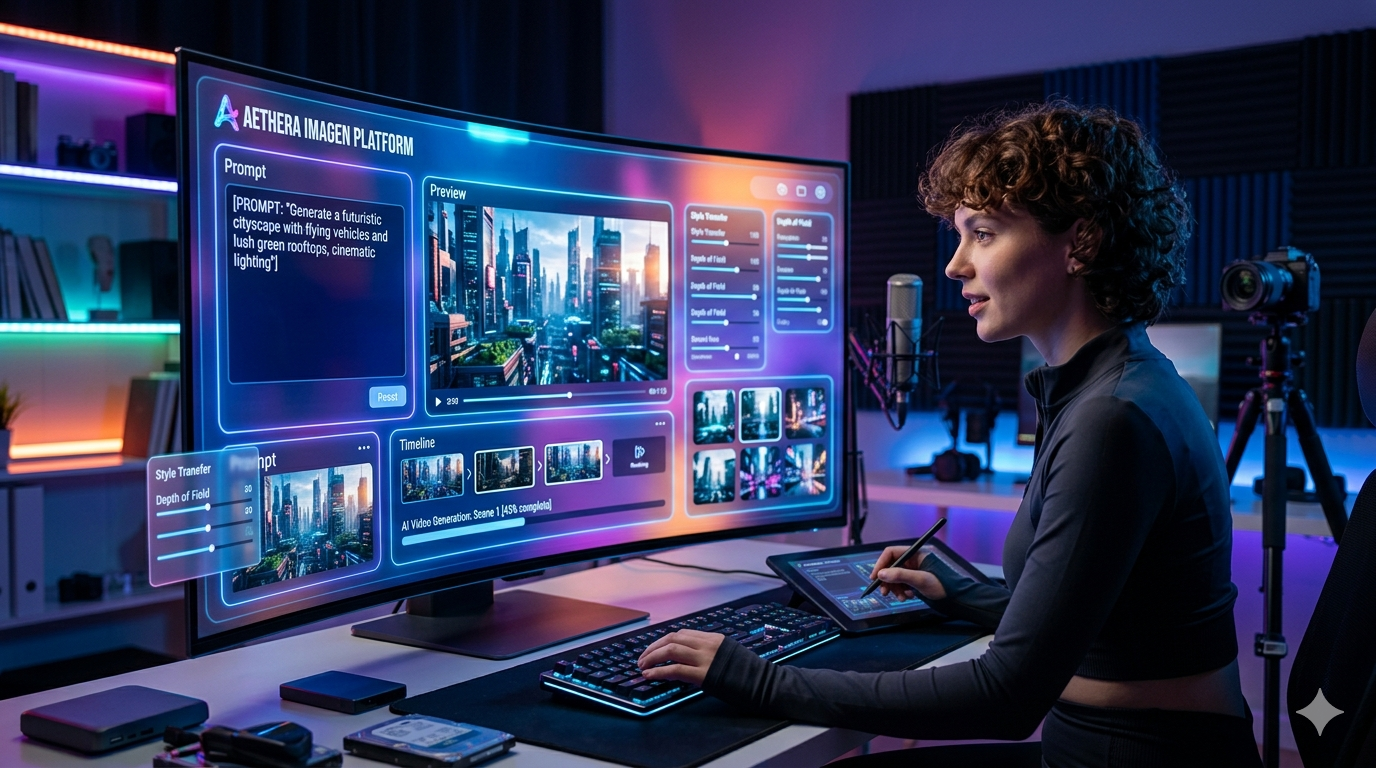
AI image and video generation tools use artificial intelligence to automatically create visuals and videos from text prompts.
For example:
- Type a description → get an image
- Paste a script → get a video
These tools are widely used in:
- Blogging
- YouTube automation
- Social media
🎨 Best AI Image Generation Tools
1. Leonardo AI
Leonardo AI is one of the best tools for generating high-quality images.
Features:
- Realistic images
- Fast generation
- Custom styles
Best For:
- Blog images
- Thumbnails
Key facts
- Launch period: 2022
- Developer: Leonardo.Ai Pty Ltd
- Primary use: AI-generated images and design assets
- Platform type: Web-based and API-supported application
- Specialization: Game art, concept design, and texture generation
Functionality and features
Leonardo AI enables users to generate and refine images from text prompts using diffusion-based models. It supports style customization, dataset training, and fine-tuning for consistent design across projects. The platform includes real-time editing tools, such as prompt-to-image iteration and outpainting, allowing for detailed creative control.
Applications in creative industries
The software is widely used by game studios, independent creators, and digital designers to speed up art production workflows. It assists in creating concept art, character design, environments, and UI assets, often integrating into preexisting pipelines for prototyping and visual ideation.
Today, AI image and video generation tools are transforming how content is created online. Instead of spending hours designing or editing, creators can now generate high-quality visuals in minutes. This makes AI image and video generation tools essential for bloggers, YouTubers, and digital marketers who want to scale their content faster.
2. DALL·E
DALL·E creates detailed images from text prompts.
Features:
- High accuracy
- Creative output
Key facts
- Developer: OpenAI
- Initial release: January 2021
- Model family: GPT architecture (transformer-based)
- Latest version: DALL·E 3 (released 2023)
- Core function: Text-to-image generation and editing
Development and technology
DALL·E builds on the transformer model architecture used in the GPT series. It was trained on large image–text datasets to learn correlations between visual and linguistic patterns. Later iterations—DALL·E 2 and DALL·E 3—improved image resolution, realism, and adherence to complex prompts, using diffusion-based techniques and advanced prompt understanding.
Capabilities


Users can generate illustrations, photorealistic scenes, or stylized art in diverse aesthetics. Features include inpainting (editing existing images through text) and outpainting (extending images beyond original borders). DALL·E 3 integrates more tightly with text generation systems, improving coherence between prompt wording and visual output.
Applications and impact
The model is used in creative industries, design prototyping, education, and marketing to rapidly visualize ideas. It demonstrates both the creative potential and ethical challenges of generative AI, raising discussions about authorship, bias, and responsible use of synthetic media.
Accessibility and integration
DALL·E 3 is accessible via the ChatGPT interface and the OpenAI API, allowing seamless text-to-image creation within conversational workflows or external applications. Output quality and safety are guided by content-filtering systems to prevent misuse and ensure compliance with usage policies.
3. Canva (AI Image Tool)
Canva also provides AI image generation.
Features:
- Beginner-friendly
- Easy editing
Key facts
- Founded: 2013
- Founders: Melanie Perkins, Cliff Obrecht, and Cameron Adams
- Headquarters: Sydney, Australia
- Business model: Freemium (free tier with paid “Pro” and “Enterprise” plans)
- Core feature: Browser- and app-based design editor with templates and collaboration tools
Origins and growth
Canva originated from Perkins’s earlier startup, Fusion Books, an online yearbook design tool. The platform expanded rapidly, positioning itself as a simple alternative to complex design software. Its intuitive interface and vast library of templates and media assets helped it reach millions of users globally within a few years.
Features and functionality
The platform provides an array of design templates for digital and print media, customizable via drag-and-drop editing. Users can access stock photos, illustrations, fonts, and icons, or upload their own assets. Canva integrates real-time collaboration, brand kit management, and resizing tools, making it popular for team and marketing workflows.
Business model and reach
Operating on a freemium model, Canva’s core tools are free, while premium plans add features such as brand management, background removal, and premium content libraries. It has grown into one of the world’s most valuable private software companies, with enterprise adoption across education, marketing, and small business sectors.
Impact and recognition
Canva has been recognized for democratizing design—bridging accessibility between professionals and casual users. It has also emphasized sustainability and inclusion in its operations, with a user base exceeding 100 million globally and a presence in over 190 countries.
🎥 Best AI Video Generation Tools
1. Pictory
Pictory converts text into videos automatically.
Steps:
- Paste script
- Select visuals
- Generate video
2. Runway ML
Runway ML is advanced but powerful.
Features:
- Video editing
- AI effects
3. Synthesia
Synthesia creates videos with AI avatars.
Best For:
- Educational videos
- Tutorials
📊 Comparison Table
| Tool | Type | Free Plan | Best For | Ease of Use |
|---|---|---|---|---|
| Leonardo AI | Image | Yes | Blog visuals | Easy |
| DALL·E | Image | Yes | Creative images | Easy |
| Canva | Image | Yes | Design + editing | Very Easy |
| Pictory | Video | Limited | YouTube videos | Easy |
| Runway ML | Video | Limited | Editing | Medium |
| Synthesia | Video | Paid | AI avatar videos | Easy |
🚀 How to Use AI Tools Step-by-Step
Step 1: Choose Tool
Select image or video tool.
Step 2: Enter Prompt
Example:
“Create a futuristic AI workspace”
Step 3: Generate Content
Wait a few seconds.
Step 4: Edit and Use
Customize if needed.
💰 How to Use These Tools to Make Money
You can earn using these tools:
- Blogging (create images)
- YouTube automation
- Freelancing
Example:
- Use Leonardo AI → create images
- Use Pictory → create videos
Links For Tools
- https://direct-link.net/4438107/BvahI2RDKBAc
- https://runwayml.com/
- https://direct-link.net/4438107/su9LYrFK59gF
⚠️ Common Mistakes
- Using poor prompts
- Not editing results
- Overusing AI
💡 Pro Tips
- Use clear prompts
- Combine multiple tools
- Keep content simple
If you want to grow online, learning AI image and video generation tools is no longer optional, it is a must-have skill in 2026.
✅ Conclusion
AI image and video generation tools are powerful and easy to use. Whether you are a beginner or creator, these tools can help you create high-quality content faster.
Start with free tools, practice daily, and gradually improve your skills.
❓ FAQ (Frequently Asked Questions)
What are AI image and video generation tools?
AI image and video generation tools are software that create images and videos automatically using artificial intelligence from simple text prompts.
Are AI image and video generation tools free?
Some AI image and video generation tools offer free plans, but most advanced features are available in paid versions.
Which is the best AI tool for beginners?
Tools like Canva and Leonardo AI are beginner-friendly and easy to use.
Can I earn money using AI tools?
Yes, you can use AI tools for blogging, YouTube videos, and freelancing to earn money online.

Hi, I’m Balaji, founder of Student AI Income Hub. I write practical guides on AI tools, productivity, online income opportunities, and educational technology to help students study smarter, build digital skills, and make informed decisions about AI-powered learning.