Table of Contents
🚀 Introduction
AI is changing how we create content, and one of the most exciting areas is AI image generator tools.
Earlier, creating professional images required:
- Design skills
- Expensive software
- Hours of work
But now, with AI, you can create stunning visuals in seconds.
Whether you are a blogger, student, or content creator, these tools can save time and improve your work quality.
In this guide, you will not just see a list. You will understand:
- What each tool actually does
- How it works
- When to use it
- Its advantages and limitations
💡 What Are AI Image Generator Tools?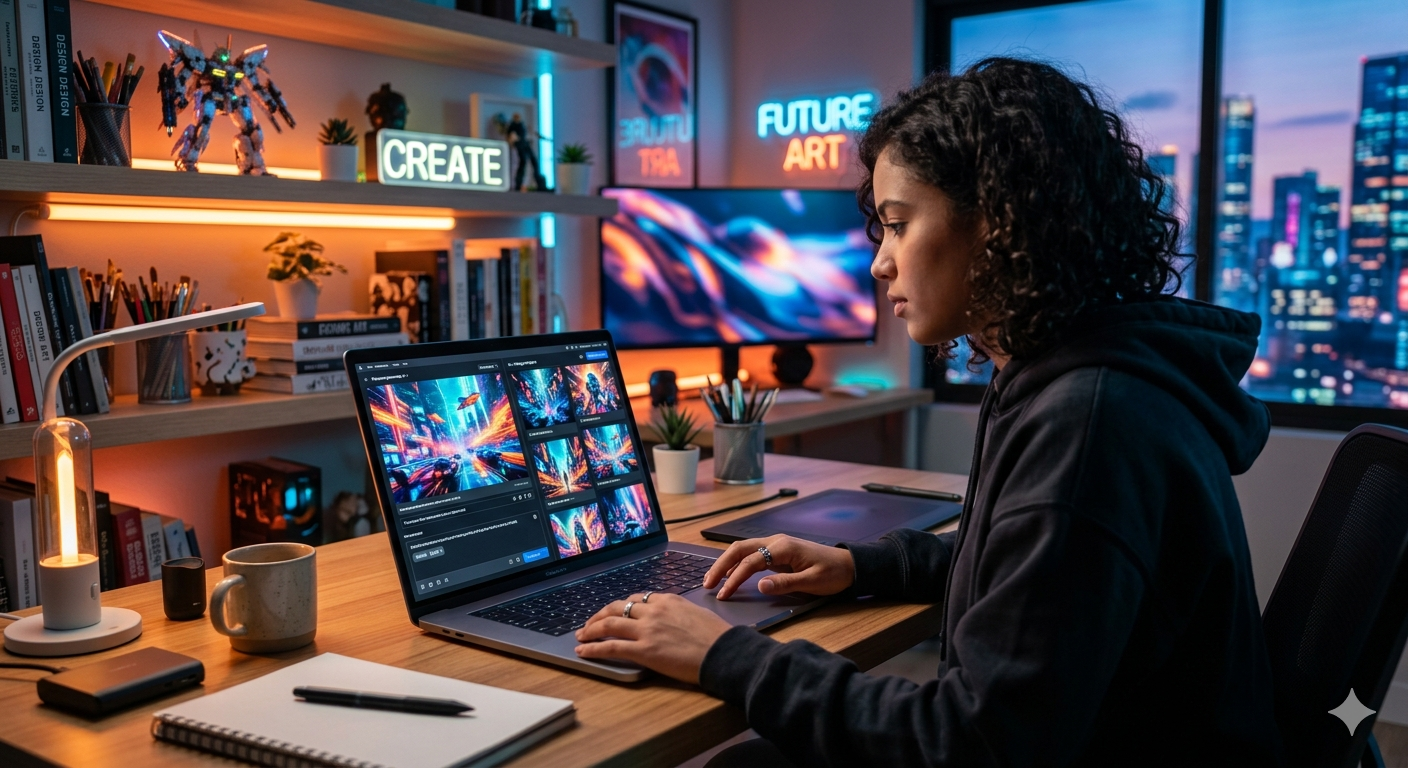
AI image generator tools are software that convert text into images.
👉 You simply type a prompt like:
“Create a futuristic city at night with neon lights”
👉 The AI generates a complete image based on your description.
🧠 Why They Matter
- No design skills required
- Fast content creation
- Useful for blogs, YouTube, Instagram
- Cost-effective
🔥 1. Leonardo AI (Best for High-Quality Images)
🛠️ Tool: Leonardo AI
🔍 What is this tool?
Leonardo AI is a powerful platform that creates realistic and artistic images from text prompts.
🧠 Main Features
- High-quality image output
- Multiple styles (realistic, anime, 3D)
- Fast generation
📌 When to use
- Blog images
- Thumbnails
- Social media posts
✅ Pros
- Free credits available
- High detail images
❌ Cons
- Requires good prompts
🎨 2. Canva AI Image Generator (Best for Beginners)
🛠️ Tool: Canva
🔍 What is this tool?
Canva is mainly a design platform, but it now includes AI image generation inside its editor.
🧠 Main Features
- Easy drag-and-drop design
- Built-in templates
- AI image generation
📌 When to use
- Instagram posts
- Posters
- Blog graphics
✅ Pros
- Very beginner-friendly
- All-in-one platform
❌ Cons
- Limited free AI credits
🧠 3. DALL·E (Advanced AI Image Tool)
🛠️ Tool: DALL·E
🔍 What is this tool?
DALL·E is an advanced AI model that generates images with high creativity and accuracy.
🧠 Main Features
- Creative image generation
- Understands complex prompts
- Unique outputs
📌 When to use
- Creative projects
- Unique artwork
✅ Pros
- High creativity
❌ Cons
- Requires detailed prompts
🖼️ 4. Bing Image Creator (Free & Powerful)
🛠️ Tool: Bing Image Creator
🔍 What is this tool?
A free AI tool that creates images using advanced models.
🧠 Main Features
- Free usage
- Fast generation
- Easy access
📌 When to use
- Quick image generation
- Free projects
✅ Pros
- Completely free
- Easy to use
❌ Cons
- Limited customization
🎭 5. MidJourney (Professional Level)
🛠️ Tool: MidJourney
🔍 What is this tool?
MidJourney is known for producing cinematic and artistic images.
🧠 Main Features
- High artistic quality
- Unique styles
📌 When to use
- Professional design
- Creative art
✅ Pros
- Stunning visuals
❌ Cons
- Not fully free
🧩 6. Adobe Firefly (Creative Tool)
🛠️ Tool: Adobe Firefly
🔍 What is this tool?
Adobe Firefly is part of Adobe’s ecosystem for generating AI images and designs.
🧠 Main Features
- Text-to-image
- Design integration
📌 When to use
- Professional design work
✅ Pros
- High quality
❌ Cons
- Limited free plan
⚡ 7. Playground AI (Flexible Tool)
🛠️ Tool: Playground AI
🔍 What is this tool?
A flexible AI tool that allows customization and experimentation.
🧠 Main Features
- Multiple styles
- Custom settings
📌 When to use
- Experimenting with prompts
✅ Pros
- Flexible
❌ Cons
- Slight learning curve
📊 Comparison Table
| Tool | Free Plan | Best For | Difficulty |
|---|---|---|---|
| Leonardo AI | Yes | High-quality images | Medium |
| Canva | Yes | Beginners | Easy |
| DALL·E | Limited | Creativity | Medium |
| Bing Creator | Yes | Free users | Easy |
| MidJourney | No | Professionals | Medium |
| Adobe Firefly | Limited | Designers | Medium |
| Playground AI | Yes | Experimenting | Medium |
🔗 Useful Resources Tools
- 👉 https://openai.com
- 👉 https://www.canva.com
- 👉 https://www.bing.com/images/create
- 👉 https://firefly.adobe.com
You can generate high-quality images using tools like https://firefly.adobe.com which provide advanced AI design features.
🧠 How to Use AI Image Generator Tools (Step-by-Step)
- Choose a tool
- Write a clear prompt
- Generate image
- Edit if needed
- Download and use
⚠️ Common Mistakes
- Writing unclear prompts
- Expecting perfect output instantly
- Not experimenting
🚀 Advanced Tips to Get Better Results from AI Image Generator Tools
Using AI image generator tools is easy, but getting high-quality and professional results requires some smart techniques. Many beginners generate average images because they don’t understand how to write effective prompts or optimize outputs.
🎯 1. Write Detailed Prompts (Most Important)
The quality of your image depends on your prompt.
👉 Instead of writing:
“a cat”
👉 Write:
“a realistic orange cat sitting on a wooden table, soft natural lighting, 4K, high detail”
🧠 Why this works:
AI understands context better when you provide:
- Subject
- Style
- Lighting
- Quality
👉 This simple change can improve your results instantly when using AI image generator tools.
🎨 2. Use Style Keywords
You can control the look of your image by adding style words.
👉 Examples:
- realistic
- cinematic
- anime
- 3D render
- watercolor
👉 Example prompt:
“cinematic futuristic city, neon lights, night, ultra HD”
⚙️ 3. Generate Multiple Variations
Don’t depend on a single output.
👉 Always:
- Generate 3–5 images
- Pick the best one
- Improve the prompt
🧠 Why this matters:
AI results are not always perfect on the first try.
🔄 4. Edit Images for Better Quality
After generating, you can improve your image using tools like Canva.
👉 What to edit:
- Brightness
- Contrast
- Text overlay
- Background
👉 This makes your content look more professional.
📈 5. Use AI Images for SEO
Most beginners miss this step.
When you use images in your blog:
- Add ALT text (with keyword)
- Use proper file name
- Compress image for speed
👉 Example filename:
ai-image-generator-tools-guide.jpg
👉 This helps your content rank in Google Images.
🧠 6. Understand Limitations of AI Tools
Even the best AI image generator tools have limitations.
⚠️ Common issues:
- Incorrect details
- Unrealistic faces
- Text errors in images
👉 Always review and adjust before using.
💡 7. Practice Consistently
Like any skill, prompt writing improves with practice.
👉 The more you use AI:
- The better your prompts become
- The higher your image quality
- The faster your workflow
🎯 Why This Matters for Your Growth
If you master these techniques, you can:
- Create professional visuals
- Improve your blog content
- Increase user engagement
- Stand out from competitors
👉 This is how you turn simple tools into powerful assets.
🎯 Conclusion
Using AI image generator tools can completely change how you create content.
You don’t need:
- Design skills
- Expensive software
Just:
👉 Good prompts
👉 Right tools
👉 Practice
Start using these tools today and improve your content quality instantly.
🔗 Related Articles
- 👉 Earn ₹1000 daily using AI
https://studentaiincomehub.com/ai-side-hustle-for-students/ - 👉 Best Free AI Tools 2026
https://studentaiincomehub.com/best-free-ai-tools-2026 - 👉 AI Side Hustle for Students
https://studentaiincomehub.com/ai-side-hustle-for-students - 👉 How to Get Traffic Using AI
https://studentaiincomehub.com/how-to-get-traffic-using-ai
❓ FAQ
Are AI image generator tools free?
Many tools offer free plans with limits.
Which is best for beginners?
Start with Canva or Bing Image Creator.

Hi, I’m Balaji, founder of Student AI Income Hub. I write practical guides on AI tools, productivity, online income opportunities, and educational technology to help students study smarter, build digital skills, and make informed decisions about AI-powered learning.