Students spend hundreds of hours every year taking lecture notes, highlighting textbooks, and preparing for exams. The problem isn’t creating notes, it’s remembering them.
One of the best study techniques is using flashcards. They help students memorize definitions, formulas, dates, and concepts through active recall.
Today, artificial intelligence makes this process much easier.
Learning How to Turn Lecture Notes Into Flashcards Using AI can save hours of manual work and help students prepare for exams more effectively. Instead of creating hundreds of flashcards by hand, AI tools can generate them in seconds from PDFs, lecture notes, and study materials.
In this guide, you’ll learn:
- The best AI flashcard tools.
- How to convert notes into flashcards.
- Which tools are free.
- Tips for exam preparation.
- Common mistakes to avoid.
By the end of this article, you’ll understand exactly How to Turn Lecture Notes Into Flashcards Using AI and use this technique to study smarter.
Table of Contents
Why Flashcards Work So Well
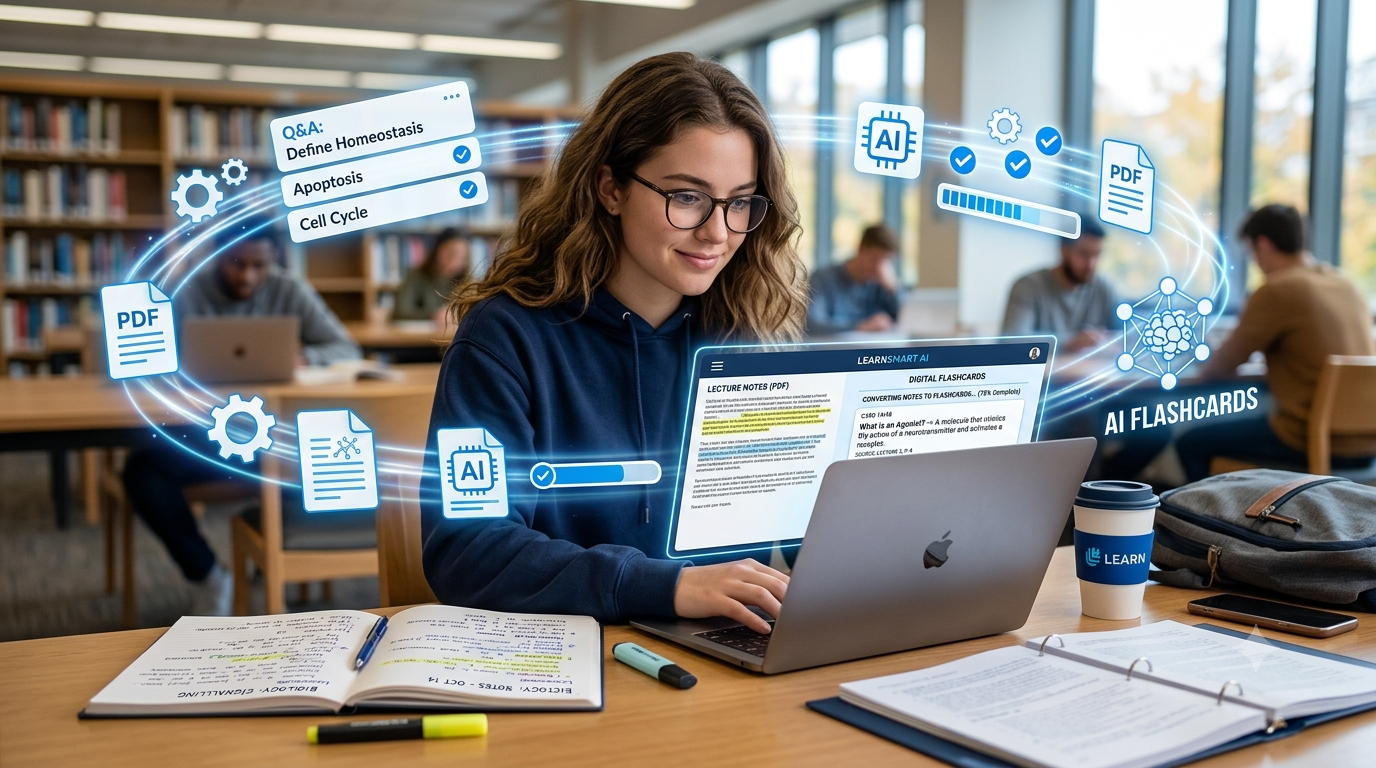
Research has consistently shown that active recall is one of the most effective learning methods.
Flashcards help students:
- Improve memory retention.
- Revise quickly.
- Identify weak areas.
- Prepare for exams.
- Study on mobile devices.
Flashcards are particularly useful for:
- Engineering formulas
- Medical terminology
- Historical dates
- Programming concepts
- Language learning
- Interview preparation
Students preparing for semester examinations often find that reviewing 50 flashcards is more effective than rereading 50 pages of notes.
Benefits of Using AI for Flashcards
Traditional flashcard creation has several disadvantages:
- Time consuming
- Repetitive
- Difficult to organize
- Hard to update
AI solves these problems by automatically:
- Extracting key points
- Creating questions
- Generating answers
- Organizing topics
- Creating study sets
Understanding How to Turn Lecture Notes Into Flashcards Using AI allows students to focus more on learning and less on preparing study material.
1. Quizlet
Quizlet remains one of the most popular study platforms among students.
Key Features
- AI-powered study sets
- Flashcards
- Practice tests
- Learning modes
- Mobile support
Best For
- School students
- College students
- Competitive exams
Example
Upload notes about Computer Networks and generate:
- Definitions
- MCQs
- Flashcards
- Practice quizzes
2. Brainscape
Brainscape uses spaced repetition to improve learning efficiency.
Key Features
- Smart repetition
- Mobile app
- Progress tracking
- Collaborative study
Best For
- Medical students
- Law students
- MBA students
Why Students Love It
Brainscape automatically prioritizes difficult flashcards, helping students spend more time on weak topics.
3. Revisely
Revisely is becoming increasingly popular because it can transform notes into revision material.
Key Features
- AI flashcard generator
- AI quizzes
- Study notes
- PDF support
Example Workflow
- Upload lecture PDF.
- Generate flashcards.
- Review weak areas.
- Take quizzes.
- Prepare for exams.
Students learning How to Turn Lecture Notes Into Flashcards Using AI often start with Revisely because of its simple interface.
Tips for Better Flashcards
Create flashcards that are:
- Short
- Clear
- Specific
- Easy to review
Bad Example
Explain the entire DBMS syllabus.
Good Example
What is normalization in DBMS?
Short questions improve retention and make revision faster.
4. NotebookLM
NotebookLM by Google has quickly become one of the best study companions for students.
Unlike traditional note-taking apps, NotebookLM allows students to upload:
- PDFs
- Lecture notes
- Research papers
- Google Docs
- Study materials
Once uploaded, students can ask questions about their content and generate summaries.
Key Features
- AI summaries
- Source-grounded answers
- Study guides
- Note organization
- Multi-document support
Example
Upload:
- Operating Systems notes
- DBMS lecture PDFs
- Computer Networks slides
Then ask:
Create 30 flashcards from these lecture notes.
NotebookLM will help organize the information, making it easier to understand How to Turn Lecture Notes Into Flashcards Using AI.
5. Anki + AI Add-ons
Anki is one of the most recommended flashcard applications in the world.
Why Anki Is Popular
- Free
- Open source
- Spaced repetition
- Mobile support
- Large community
Students can combine Anki with AI tools like ChatGPT to create flashcards automatically.
Example Workflow
- Upload notes to ChatGPT.
- Generate Q&A pairs.
- Import into Anki.
- Review daily.
Best For
- Medical students
- Engineering students
- UPSC aspirants
- Language learners
Many students use Anki for years because spaced repetition significantly improves long-term retention.
6. Knowt
Knowt is a modern study platform designed specifically for students.
Features
- AI flashcards
- Quiz generation
- Practice tests
- Note import
- Study tracking
Best Use Cases
- School exams
- Semester exams
- Placement preparation
- Competitive exams
Students can upload lecture notes and generate study material in minutes.
7. StudySmarter
StudySmarter is another excellent option for students looking to improve productivity.
Key Features
- Flashcards
- Study planner
- Progress tracking
- Shared study materials
- AI assistance
Best For
- University students
- MBA students
- Professional certifications
The platform combines planning and revision tools in one place, making it an attractive choice for busy students.
Step-by-Step Guide: Convert Notes Into Flashcards
Here is a simple process students can follow.
Step 1
Collect your lecture notes:
- PDFs
- Images
- Google Docs
- Handwritten notes
Step 2
Choose an AI tool:
- NotebookLM
- Quizlet
- Knowt
- Revisely
- ChatGPT + Anki
Step 3
Use a prompt like:
Create 25 flashcards from these lecture notes. Include short questions and concise answers.
Step 4
Review the generated flashcards and make corrections if necessary.
Step 5
Study using:
- Daily revision
- Spaced repetition
- Practice quizzes
Following this process makes How to Turn Lecture Notes Into Flashcards Using AI incredibly simple, even for beginners.
Best Prompt Examples
Engineering
Generate 20 flashcards from my Data Structures notes.
Medical
Create flashcards for human anatomy terms.
Programming
Turn these Python notes into interview-style flashcards.
Business Studies
Create MBA revision flashcards from this PDF.
General Studies
Convert these lecture notes into MCQs and flashcards.
Why Students Love AI Flashcards
Students report several benefits:
- Faster revision
- Better memory retention
- Improved productivity
- Less time creating notes
- More time studying
The ability to instantly create study material is one of the biggest reasons students are learning How to Turn Lecture Notes Into Flashcards Using AI.
https://studentaiincomehub.com/ai-resume-builders-for-students-2/
https://studentaiincomehub.com/how-to-use-chatgpt-for-homework-without-cheating/
https://studentaiincomehub.com/how-to-use-notebooklm-for-studying/
https://studentaiincomehub.com/ai-flashcard-tools-for-students/
Common Mistakes to Avoid
Even after learning How to Turn Lecture Notes Into Flashcards Using AI, students often make a few common mistakes.
1. Creating Long Flashcards
Bad:
Explain the entire Chapter 5 of DBMS.
Good:
What is normalization in DBMS?
Short flashcards are easier to remember and review.
2. Never Reviewing Flashcards
Creating flashcards isn’t enough.
Students should revise:
- Daily
- Weekly
- Before exams
AI can create flashcards, but consistent revision is what improves results.
3. Using Only One Study Method
Flashcards work best when combined with:
- Practice tests
- Mock exams
- Study notes
- Group discussions
- Video lectures
4. Blindly Trusting AI
Always verify:
- Definitions
- Formulas
- Dates
- Scientific facts
AI tools occasionally make mistakes, so double-check important information.
Flashcard Study Tips
Follow the 20-20-20 rule:
- Review 20 flashcards.
- Take a 20-second break.
- Repeat for 20 minutes.
This helps maintain focus and prevents burnout.
You can also use spaced repetition:
- Day 1
- Day 3
- Day 7
- Day 14
- Day 30
This technique significantly improves long-term memory retention.
Final Thoughts
Students today have access to tools that previous generations could only imagine.
Understanding How to Turn Lecture Notes Into Flashcards Using AI allows students to:
- Save time.
- Study smarter.
- Improve retention.
- Prepare for exams efficiently.
- Stay organized.
Instead of spending hours creating revision material manually, students can now focus on what matters most: learning.
Conclusion
AI is changing the way students study.
Whether you’re an engineering student preparing for semester exams or a fresher preparing for placements, AI-powered flashcards can significantly improve your productivity.
The best part is that most of these tools are easy to use and offer free plans.
If you haven’t tried AI flashcards yet, now is the perfect time to start.
By mastering How to Turn Lecture Notes Into Flashcards Using AI, you’ll be better prepared for exams and future academic challenges.
Frequently Asked Questions
1. Can AI really create flashcards from PDFs?
Yes. Tools like NotebookLM and Quizlet can help generate flashcards from uploaded materials.
2. Are AI flashcard tools free?
Many tools offer free plans, although premium features may require a subscription.
3. Which flashcard app is best for students?
Popular choices include:
4. Can I use AI flashcards for placement preparation?
Yes. Flashcards are excellent for:
- Aptitude questions
- Programming concepts
- Interview preparation
- Technical definitions
5. Are AI-generated flashcards accurate?
Generally yes, but students should always verify important information before relying on it.
6. Can medical students use AI flashcards?
Absolutely. Medical students frequently use flashcards for:
- Anatomy
- Pharmacology
- Terminology
- Clinical concepts
7. Do flashcards help with exams?
Yes. Flashcards improve active recall, which is one of the most effective learning techniques.

Hi, I’m Balaji, founder of Student AI Income Hub. I write practical guides on AI tools, productivity, online income opportunities, and educational technology to help students study smarter, build digital skills, and make informed decisions about AI-powered learning.